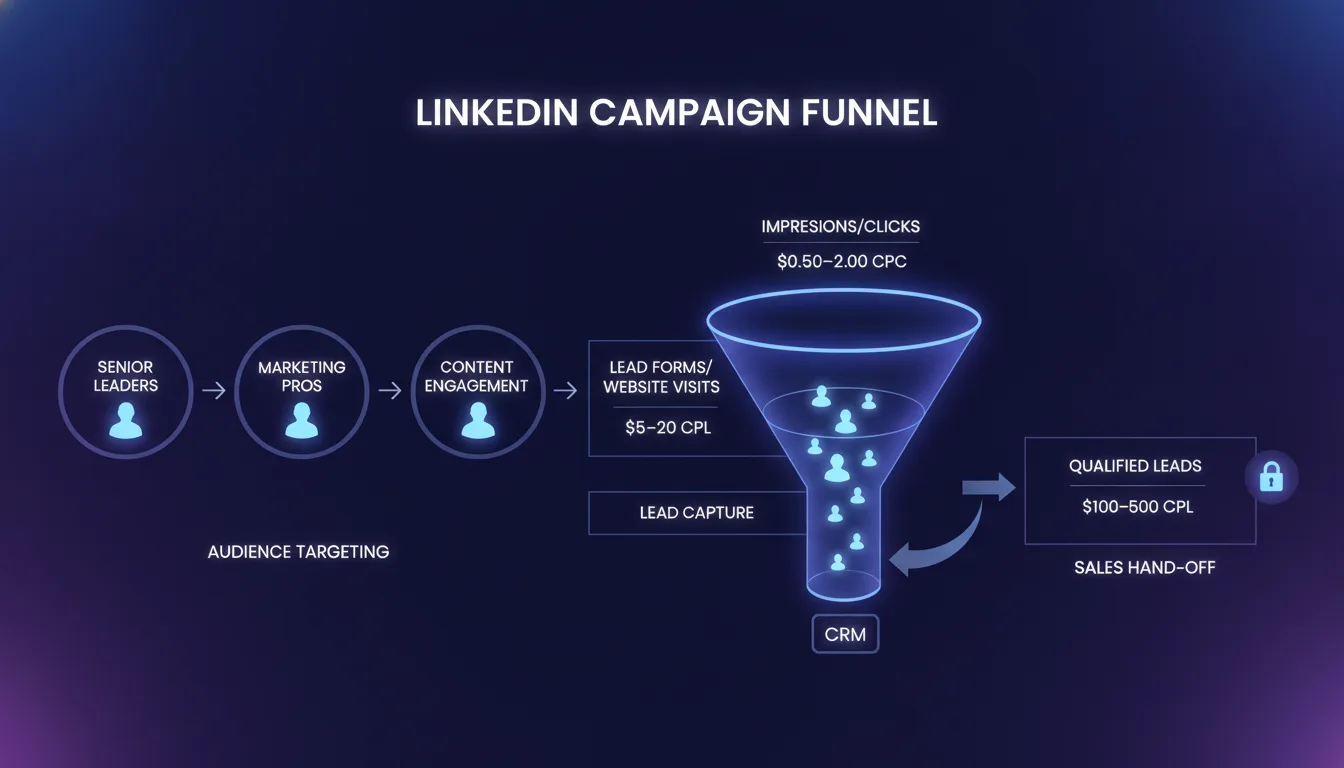
LinkedIn Ads for B2B: How to Lower Your Cost Per Qualified Lead
The average B2B lead from LinkedIn costs between $40 and $150, depending on industry and targeting precision. Most brands pay the higher end because they optimize for the wrong metric: clicks and form submissions instead of qualified leads that actually close.
The result is a funnel full of unqualified contacts, wasted ad spend, and a sales team that distrusts the lead source entirely.
Key Takeaway: Lowering your cost per qualified lead on LinkedIn is not about winning an auction. It is about building an infrastructure that moves only truly qualified people through your funnel. That requires alignment across audience strategy, ad format selection, lead capture methodology, retargeting cadence, and CRM integration. When all five are working together, your CPL drops, your lead quality rises, and your sales team actually wants to work the leads you send them.
This is not a shortcuts guide. It is a framework that has worked repeatedly for growth-stage B2B brands that are serious about turning LinkedIn spend into revenue.
Why LinkedIn Ads for B2B Still Matter in 2026
The decision to advertise on LinkedIn for B2B is not controversial. What is controversial is how to do it without wasting money.
LinkedIn remains the highest-intent B2B channel available. According to LinkedIn Marketing Solutions, decision-makers spend an average of 17 minutes per week on the platform, and 93% of B2B buyers make purchase decisions based partly on LinkedIn. Yet the cost of entry is rising. HubSpot's State of Marketing Report found that average CPC on LinkedIn has increased 37% since 2023, even as conversion rates have remained flat.
This creates a simple problem: more expensive auctions with the same conversion rates equals higher cost per lead.
The brands winning on LinkedIn in 2026 are not paying more per click. They are converting clicks more efficiently by targeting more precisely, choosing the right ad format, using lead forms strategically, and building retargeting sequences that separate qualified prospects from curious browsers.
They have built a system, not placed ads.
Build Your Audience Strategy First — Targeting Sets the Ceiling on Cost Per Lead

You cannot optimize your way out of bad targeting. If you are reaching the wrong audience, no amount of creative refinement or bid adjustment will lower your cost per qualified lead. The funnel is broken upstream.
The most common mistake: targeting too broad. Brands create a single audience named "Decision Makers at B2B SaaS Companies" and run all campaigns against it. This feels efficient. It is not. It is lazy.
Instead, build layered audiences that reflect your actual buying committee and their specific situation.
Layer 1: Company Demographics
Company size (employee count). Be specific. "100–500 employees" narrows the funnel compared to "10,000+," but the narrower audience will contain a higher proportion of qualified prospects.
Industry. Do not select "all industries." You know your ideal customer profile. Name it. If you serve SaaS and professional services but not manufacturing, exclude manufacturing.
Company growth signals. LinkedIn allows targeting by "recently hired" (signals growth, budget, chaos) and "company announcement followers" (signals investor interest, expansion).
Layer 2: Job Title and Seniority
Which titles actually make or influence the decision you want? CEO, CMO, and VP Marketing? Or do you need to reach demand gen managers and martech specialists?
Stack job titles, not just "all marketing roles." Stack "CMO OR VP Marketing OR Chief Strategy Officer" — not "everyone with marketing in their title."
Layer 3: Intent Signals
LinkedIn's matched audiences: people who engaged with content on your website, your LinkedIn company page, or your landing pages.
LinkedIn's "relevant audiences" — people who follow accounts and pages in your industry, or read content related to your solution category.
Lookalike audiences built from your existing customers or high-intent website visitors.
When you layer these correctly, you are not reaching everyone in your addressable market. You are reaching the 15% who fit your ICP, are in the right buying phase, and have shown intent signals suggesting openness to your message.
That shrinking of the addressable audience feels counterintuitive. "But I am excluding people who might be interested." You are. They are not your customer. Your CPL drops because you are no longer paying to educate people who do not have a buying problem.
Real-world example: A marketing ops platform reduced its LinkedIn cost per lead from $127 to $52 by moving from "all CMOs in US tech companies" (480,000 people) to "CMOs at companies with 100–800 employees that hired 3+ people in the last 6 months + engaged with content about martech consolidation" (34,000 people). The smaller audience had lower absolute reach, but conversion rates tripled because the targeting was so precise. Cost per lead dropped 59%.
LinkedIn Ad Formats for Lead Generation — Not All Lead Paths Are Equal

LinkedIn offers three primary formats for lead generation, and each has tradeoffs. The right choice depends on your conversion quality threshold and timeline.
Format | Conversion Rate | Avg CPL | Data Richness | Best For |
|---|---|---|---|---|
Sponsored Content | 1.5% – 3% | $80 – $150 | High (custom form) | Building credibility, nurturing mid-funnel |
Sponsored InMail | 2% – 4% | $70 – $120 | Medium (form + context) | High-intent, direct messaging to decision-makers |
LinkedIn Lead Gen Forms | 4% – 8% | $35 – $80 | Low (prefilled fields) | Volume lead gen when lead quality is secondary |
Notice the inverse relationship: higher conversion rate correlates with lower data richness. LinkedIn Lead Gen Forms pre-fill fields like name, email, and company from the member's profile. The friction is almost zero. Your conversion rate soars to 5–8%.
But you lose data. You do not get phone number, company size, or buying timeline unless you ask for them explicitly — and every additional field drops your conversion rate by 15–20%.
Sponsored Content and InMails let you build custom forms that capture exactly what you need. Conversion rates drop because users have to fill in more fields. But now you have the information needed to score the lead properly before it reaches your sales team.
According to Metadata.io's B2B Benchmarks, the average B2B marketing team spends 32% of its time manually cleaning and scoring leads from generic form submissions. Custom forms with targeted data collection reduce that by 60% and accelerate the path from lead to SQL.
The practical choice: If you are running high-volume top-of-funnel campaigns and have the resources to score leads in your CRM, use LinkedIn Lead Gen Forms. If you are targeting a narrow audience and need high-confidence leads to move immediately to sales, use Sponsored Content with a custom form or Sponsored InMail.
Do not use Lead Gen Forms because you think they are "easier." Use them because they fit your lead quality tolerance and your scoring infrastructure.
Lead Gen Forms vs. Landing Pages: The Tradeoff Framework

This decision determines your conversion funnel architecture: Do you keep prospects on LinkedIn and capture leads inline, or do you send them to a landing page on your domain?
Dimension | LinkedIn Lead Gen Forms | Custom Landing Pages |
|---|---|---|
Conversion Rate | 5–8% (minimal friction) | 2–4% (form friction) |
Data Quality | Low (prefilled, limited fields) | High (custom form, intentional) |
Time to CRM Sync | Real-time (native LinkedIn integration) | Dependent on automation (1–30 min delay) |
Audience Behavior Tracking | On-platform behavior only | Full funnel tracking (time on page, scroll, clicks) |
Retargeting Pixel | Limited to LinkedIn retargeting | Full pixel integration (Google, Meta, LinkedIn) |
A/B Testing Capability | Form variations only | Message, layout, offer, proof, CTA variations |
Use Lead Gen Forms if: You have a large addressable audience and your sales team can handle volume lead scoring. You want speed and conversion rate over data richness. You are comfortable with the sales team asking qualifying questions after the lead arrives.
Use Landing Pages if: You are targeting a narrow, high-intent audience and you want to measure the full-funnel experience. You need to gather specific information before the lead reaches your sales team. You have retargeting and pixel infrastructure in place.
Many high-performance B2B brands use both. High-volume mid-funnel campaigns run to Lead Gen Forms and generate a large volume of leads that are scored and segmented in the CRM. High-intent top-of-funnel campaigns targeting VPs and CMOs run to landing pages with custom forms, because the audience is smaller and the data matters more.
The worst approach is choosing one and forcing all campaigns through the same funnel. That is not optimization. That is laziness.
Retargeting and Sequential Messaging — Separate Qualified Prospects from Tire-Kickers

Not every person who clicks on your LinkedIn ad is ready to talk to your sales team. Most are not.
Some clicked by accident. Some were curious but do not have a buying problem. Some are early-stage researchers who need months of nurturing before they will engage with sales.
Without retargeting, you are sending all of them to your sales team equally, forcing reps to waste time disqualifying people who were never going to close. With retargeting, you build sequences that move people through a qualification ladder.
The LinkedIn Retargeting Sequence
Stage 1: Ad Impression (Days 0–30) — Everyone who sees your ad goes into a broad retargeting audience. Your message here is awareness and credibility, not conversion.
Stage 2: Website Visitor (Days 0–7) — People who clicked the ad and visited your landing page but did not convert. They showed intent by visiting but did not raise their hand. Retarget them with a case study or "here is what other companies like you are doing" message. Goal: move them to lead form submission.
Stage 3: Form Abandoner (Days 1–3) — They clicked the form but dropped off mid-submission. Retarget aggressively here (daily) with a message like "We saw you interested in [topic]. Here is a 2-minute conversation to see if this fits." Goal: get them to complete the form.
Stage 4: CRM-Synced Lead (Immediate Handoff) — They submitted a lead gen form. They are in your CRM. Stop the LinkedIn ads immediately and hand off to email automation. Your CDP or email platform takes over the nurturing sequence.
Stage 5: Sales-Qualified Lead (Ongoing Nurture) — Your sales team engaged with the lead but they are not ready to demo yet. Retarget them on LinkedIn with product-focused content, technical deep-dives, or customer wins that address specific objections.
This is not guesswork. Each stage uses different messaging, different timing, and different audience segments. The result: not every click becomes a sales conversation, only the people with genuine buying intent.
A B2B SaaS company running this sequence reduced its cost per qualified lead by 41% because it stopped paying to retarget people who had already disqualified themselves.
Bid Strategy and Cost Control — Data-Driven Adjustments, Not Guesses

LinkedIn's bidding model is straightforward: you set a maximum cost per click (CPC) or maximum cost per 1,000 impressions (CPM), and LinkedIn's auction algorithm fills your ads based on how much competitors are willing to pay for the same audience.
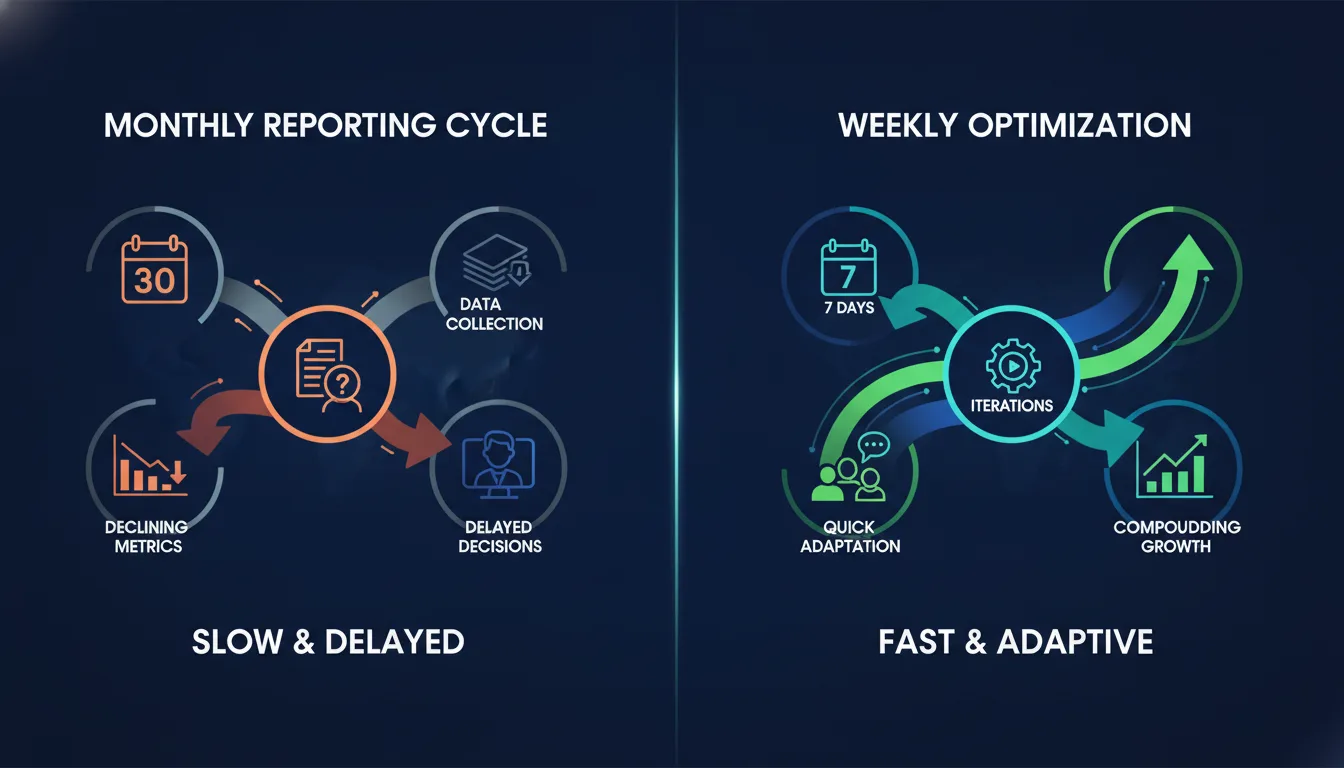
Most brands set a bid and leave it alone for a month. Then they wonder why their CPL is creeping up.
What they do not see is that the quality of the audience they are reaching is changing week to week. Competitors enter the auction. Seasonality shifts. Your audience ages and becomes less relevant. Without adjustment, you are paying yesterday's price for tomorrow's lower-quality leads.
Monitor these metrics weekly:
Cost per click (CPC) — If trending up 10%+ week over week, your audience is less competitive than last week. Lower your bid slightly. If it is flat or declining, your audience is still strong.
Conversion rate (form submission or landing page conversion) — If this is declining while CPC is constant, the quality of clicks is declining. Tighten your targeting. Do not just spend more.
Cost per lead by campaign — Not all campaigns are equal. The narrow audience campaign targeting "VP Marketing at Series B SaaS companies" likely has a lower CPL than the broader "marketing roles in tech" campaign. Shift budget toward the lower-CPL campaigns.
Lead quality metrics from CRM — What percentage of leads are actually converted to opportunities or demo requests? This is your real north star. A lead that costs $45 but never converts is worse than a lead that costs $80 and converts 30% of the time.
According to eMarketer's LinkedIn advertising research, brands that adjust bids weekly based on conversion data see 18–24% lower cost per qualified lead than brands that set bids monthly or less frequently.
Practical bid adjustments: If you have a clear cost per qualified lead target (e.g., "we need CPL under $70 to make this channel profitable"), work backward. If your current conversion rate is 3% and your target CPL is $70, your maximum CPC should be $2.10. If you are currently paying $3.50 CPC, you need to either improve conversion rate (tighter targeting, better creative, better offer) or increase your bid and accept the higher CPL because the audience quality is that strong.
Do not optimize for click volume. Optimize for cost per qualified lead.
CRM Integration and Lead Scoring — Automation Closes the Loop
Here is where most LinkedIn campaigns fail at scale: the lead arrives in your CRM, and nobody knows what to do with it.
You have a LinkedIn lead. You have a form submission. But you do not have context about their buying stage, their company size, their known objections, or whether they have engaged with your product before.
Without that context, your sales team treats every lead the same: "Send them a calendar link." Some get ignored. Some get replied to 6 months later. Some never get a human response.
The brands lowering cost per qualified lead are integrating their lead gen campaigns directly into their CRM with automated lead scoring and routing.
Real-time CRM sync: LinkedIn Lead Gen Forms and custom forms on landing pages should sync to your CRM in real time (or within 5 minutes). Use Zapier, native integrations, or a CDP to pipe data directly. Delay means your sales team contacts the prospect when their interest is cold.
Automated lead scoring: As soon as a lead arrives, assign a score based on company size, job title, industry, and any known signals. If they are a perfect ICP match (company in your target size, title on your target list, industry you serve), mark them as "sales-ready." If they are a partial match or early-stage, mark them as "nurture" and send them to an automated email sequence.
Automated routing: Route sales-ready leads to your AE or SDR team immediately. Route nurture leads to your email automation workflow. Do not manually sort. Seconds matter.
Closed-loop reporting: Track which LinkedIn campaigns, audiences, and messages produced leads that converted to opportunities and revenue. This is your true north. A campaign that produces $200K in revenue is worth more than a campaign that produces 500 form submissions.
When you have this infrastructure in place, you can honestly answer "what is our cost per qualified lead?" Instead of guessing based on ad spend divided by form submissions, you can calculate it based on leads that actually advanced through your funnel.
Most brands discover their real cost per qualified lead is 60% higher than they thought — because the average form submission is not the same as a qualified lead.
The Complete LinkedIn Ads Framework — Five-Point System for Lowering Cost Per Lead
Audience Strategy First — Layer company size, industry, job title, and intent signals to reach your ideal customer profile. Do not spread budget across broad audiences. Concentrate it on precision.
Choose the Right Ad Format — Lead Gen Forms for high-volume campaigns where your sales team can score quickly. Sponsored Content and InMails for high-intent, narrow audiences where data quality matters.
Build a Lead Capture Strategy — Decide whether leads go to LinkedIn Lead Gen Forms (higher conversion, lower data) or custom landing pages (lower conversion, higher data). Use both if your budget and team structure support it.
Retarget Like You Mean It — Do not treat retargeting as an afterthought. Build sequences that move people from impression → visitor → form abandoner → lead → SQL. Each stage uses different messaging and timing.
Integrate and Automate — Connect your campaigns to your CRM in real time. Automate lead scoring and routing. Track closed-loop revenue to know your true cost per qualified lead, not just cost per form submission.
If you implement all five, your cost per qualified lead will drop 30–50% compared to brands running LinkedIn ads without a system.
If you implement only three or four, you will see incremental improvement but you will still be leaving money on the table.
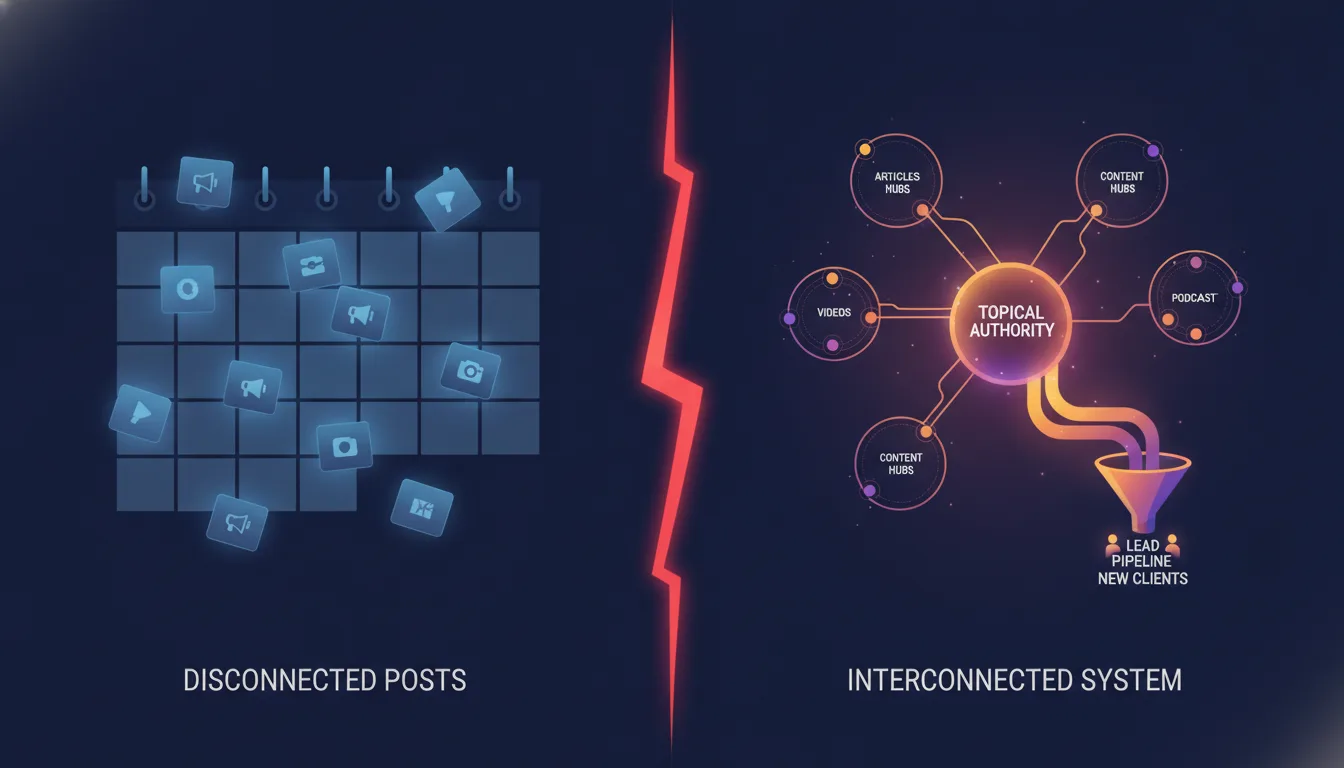
This is what we mean by infrastructure. It is not one campaign. It is not one tactic. It is a system where every piece is connected and working together to move qualified people through your funnel efficiently.
Real Infrastructure: LinkedIn Ads Inside a Managed Marketing System
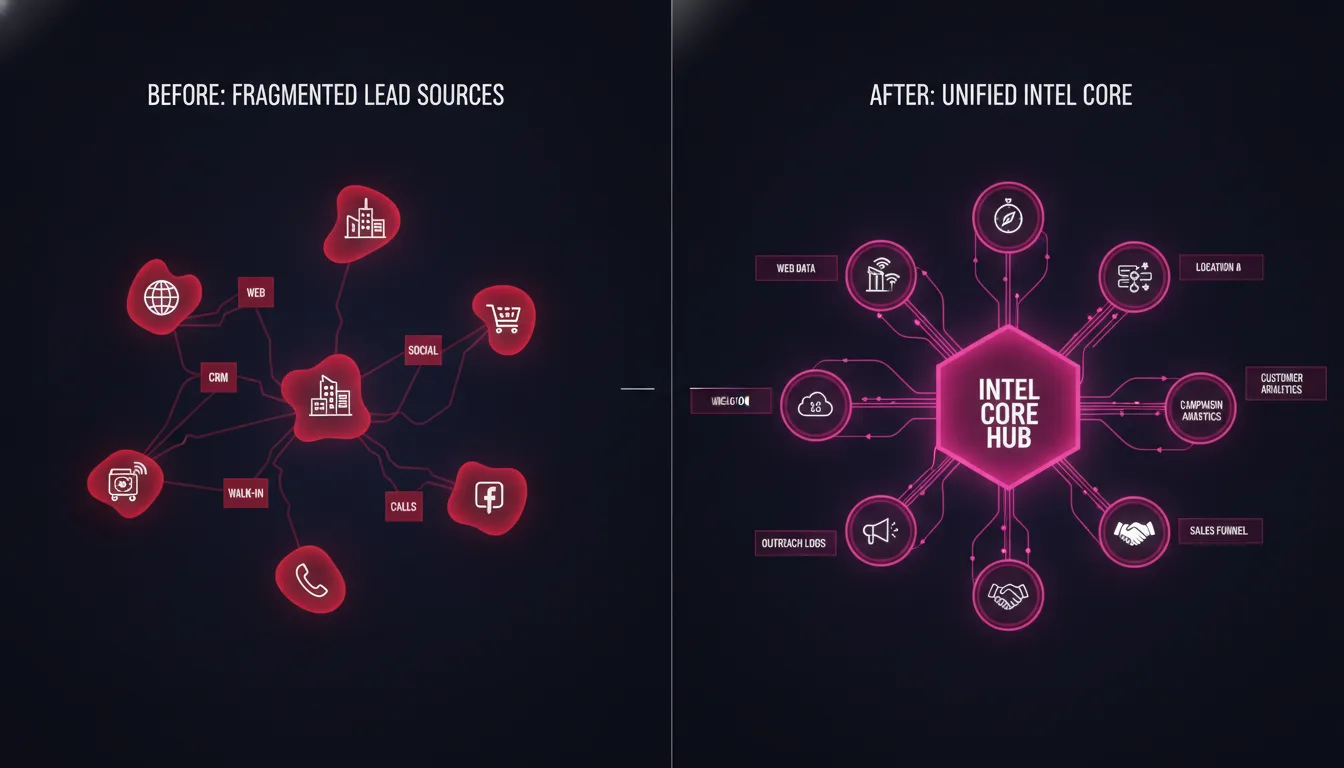
Most brands run LinkedIn Ads in isolation. Campaigns are launched in the LinkedIn interface, leads go to a mailbox or a spreadsheet, and nobody owns the end-to-end picture.
Growth-stage brands that have moved to a managed marketing infrastructure model run LinkedIn Ads differently.
A dedicated Brand Technical Expert owns the entire LinkedIn strategy: audience buildout, campaign architecture, lead scoring, retargeting sequences, and CRM integration. They own the system.
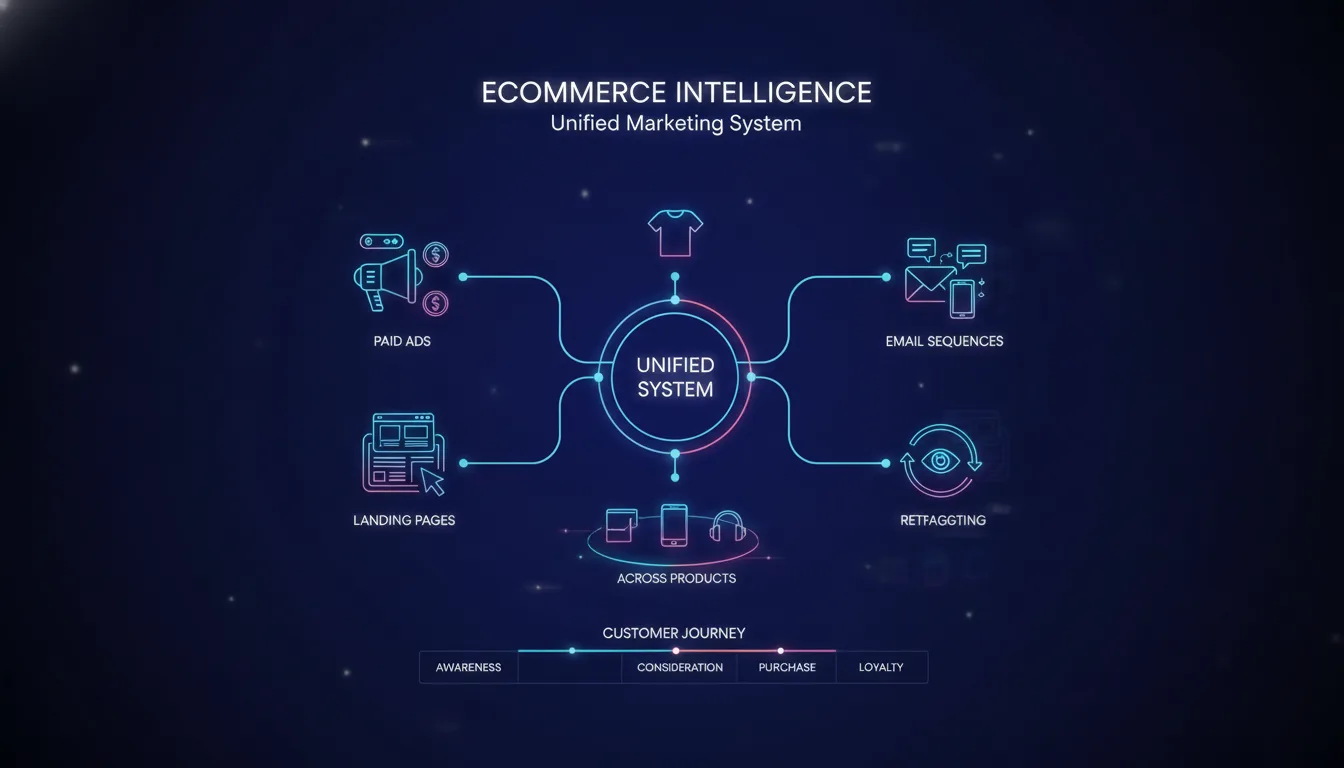
That operator configures LinkedIn Ads not as an isolated channel, but as part of a larger system that includes landing page testing, email automation, CRM data flow, and cross-channel attribution. When a LinkedIn lead comes in, the operator can see what that person has done on your website, what emails they have opened, what objections they have raised, and what offers are most likely to move them forward.
The result is not just lower cost per qualified lead on LinkedIn. It is lower cost per qualified lead across your entire marketing infrastructure because everything is connected.
That is the difference between running ads and running a system.
At Metrics Masters, we operate LinkedIn Ads as part of managed marketing infrastructure engagements starting at $2,500–$5,500+ per month depending on scope and channel complexity. Learn how we approach LinkedIn Ads management or start a conversation about your current spend and results.
Frequently Asked Questions
What is the average cost per lead on LinkedIn Ads in 2026?
Average cost per lead on LinkedIn ranges from $40 to $150 depending on industry, audience targeting precision, and ad format. SaaS and professional services tend toward the lower end ($50–$80) when targeting is precise. B2B manufacturing and enterprise sales tend higher ($100–$150). The gap between high and low CPL is not chance — it is strategy. Brands with precision targeting and strong lead scoring infrastructure consistently beat benchmarks.
Should I use LinkedIn Lead Gen Forms or send people to a landing page?
Use Lead Gen Forms if you have a large addressable audience and your sales team can handle high volume with strong scoring infrastructure. Use landing pages if your audience is smaller and you need to gather specific data or measure the full funnel experience. The highest-performing brands use both: high-volume mid-funnel campaigns to Lead Gen Forms, high-intent top-of-funnel campaigns to landing pages.
How often should I adjust my LinkedIn Ads bids?
Adjust bids weekly based on CPC trends, conversion rate changes, and cost per lead by campaign. If your CPC is rising 10% week over week, your audience competitiveness is shifting and you should lower your bid slightly. Do not adjust bids based on single-day fluctuations. Trends matter more than snapshots.
What is the difference between cost per lead and cost per qualified lead?
Cost per lead is the total ad spend divided by the number of form submissions. Cost per qualified lead is the total ad spend divided by the number of leads that actually advance through your funnel (to opportunity, demo request, or conversation with sales). The latter is what actually matters for your business. Most brands discover their real CPL is 40–60% higher than they thought because not all form submissions are equally qualified.
How do I know if my LinkedIn audience is too broad?
If your conversion rate on LinkedIn is below 2%, your audience is likely too broad. You are paying to reach people who do not have a buying problem. Tighten your targeting by adding company size, specific job titles, and recent hiring activity. You should see conversion rate rise to 3–5% as your audience shrinks and becomes more relevant. Narrower, higher-converting audiences beat broader, lower-converting audiences almost always.
Should I retarget everyone who sees my LinkedIn ad, or only visitors to my website?
Retarget both, but with different messages and cadence. Everyone who sees your ad goes into a broad awareness audience (low frequency messaging). People who visited your website but did not convert go into a higher-frequency nurturing audience. People who started a form go into an even higher frequency "complete this task" audience. Segment by behavior and adjust frequency accordingly.
How quickly should a lead sync from LinkedIn to my CRM?
Real-time or within 5 minutes is ideal. Any longer and the lead goes cold before your sales team reaches out. Use native integrations, Zapier, or a CDP to pipe leads directly into your CRM without delay. Set up automated lead scoring and routing the moment the lead arrives so sales-ready leads reach your team immediately.

Jeremiah Shaw
CEO & Technical Marketing Specialist · Metrics Masters | Brandlio
International
Technical marketing specialist pushing boundaries in Google Ads, automation, and AI-driven growth systems. Paragliding and adventure enthusiast.